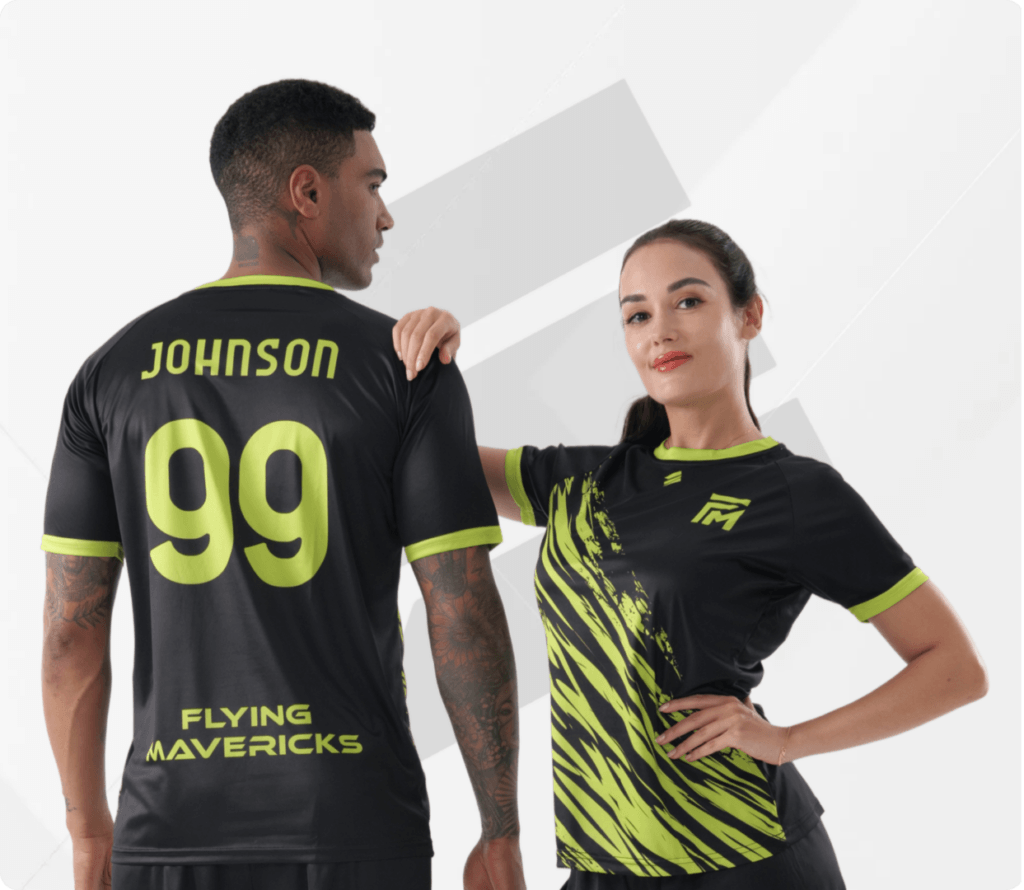
Order Process Guide
Choose the ordering method that works for your team, then follow the steps from design through delivery.
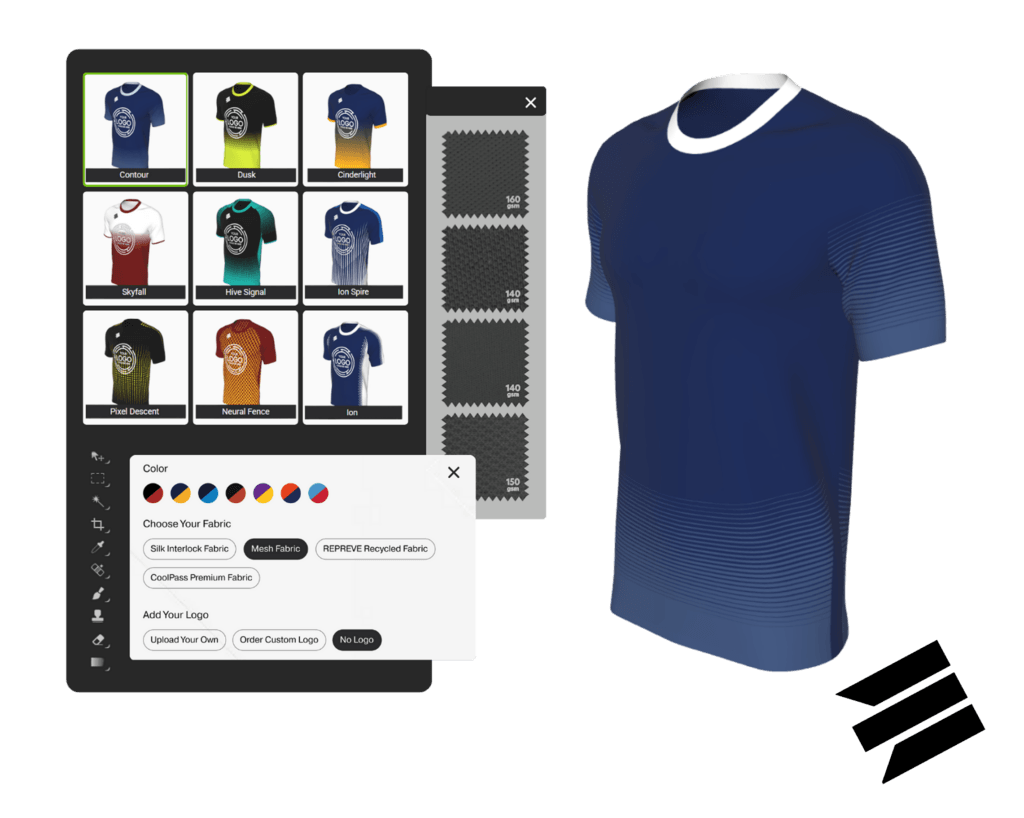
Create your uniform in the 3D Kit Builder
- • Preview every change on a rotatable 3D garment.
- • Control patterns, colors, garment features, logos, names, and numbers.
- • Review sizes, player details, and pricing before checkout.
How to Order: Step-by-Step
Step01
Pick a Design Pattern
Choose a starting pattern from the design library.
Step02
Choose Your Colors
Apply your team colors to every part of the garment.
Step03
Customize Garment
Choose fabric, collar, cuff, trim, vents, and reinforced seams, including performance, premium, and REPREVE options where available.
Step04
Upload Logos and Graphics
Upload, resize, rotate, and position your artwork. Vector or high-resolution PNG files produce the best result.
Step05
Add Names and Numbers
Personalize each player garment at no extra cost.
Step06
Enter Order Details
Choose your sport and Custom Apparel, then enter names, numbers, and sizes in the form or Excel template before selecting Buy Now.
Step07
Review and Checkout
Review the design summary, price, shipping, order notes, and quantity before checkout.
Step08
Production
Review your confirmation email and request any changes within 48 hours before production begins.
Step09
Delivery
Receive finished-garment photos and FedEx Air tracking, and report any delivery issue within 48 hours.
Start with an Edgy Sport design
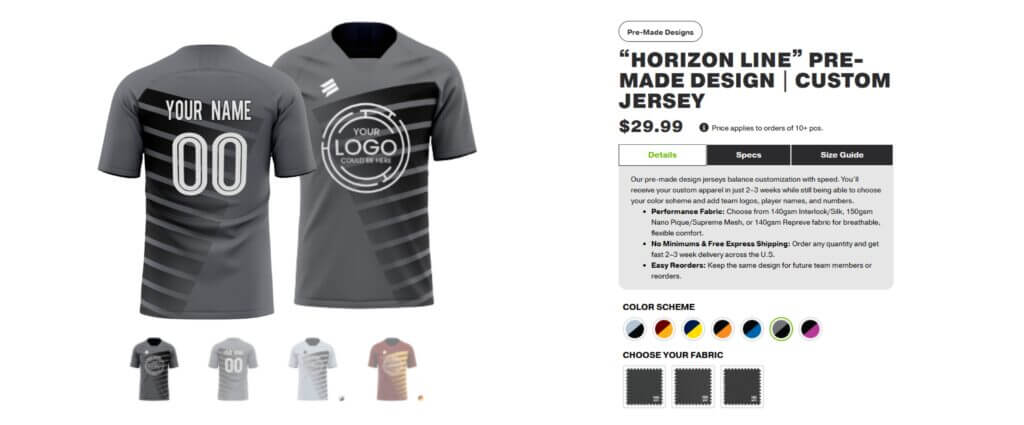
Choose a professionally designed uniform and preset color scheme, then personalize it with your team logos, player names, and numbers.
How It Works
01
Find Your Design & Color Scheme
Choose a pre-made design and preset colorway.
02
Select Fabric & Logo Options
Choose the available fabric and add your logos.
03
Add Player Details & Sizes
Enter each player name, number, and size.
04
Check Out
Review the order, shipping, and payment details, then check out.
05
Production
Confirm the order details and request any changes within 48 hours.
06
Delivery
Receive preview photos and FedEx Air tracking when the order ships.
Custom Design: Step-by-Step
Share Design Requirements
Send your colors, logos, references, and ideas.
Design Concept Creation
An in-house designer creates an original concept.
Review & Revisions
Share feedback and refine the artwork with your designer.
Final Design Approval
Approve the final artwork and order details.
Team Shop Setup (If Required)
We can prepare a private ordering page for your approved design.
Production
Your approved custom order enters production.
Delivery
Receive finished-garment photos and tracked shipping details.
Original artwork made for your team
Send our in-house designers your logos, colors, and inspiration. We will create and refine an original concept with you. The $30 custom design fee is waived when your order contains 50 or more pieces.
Order Custom Artwork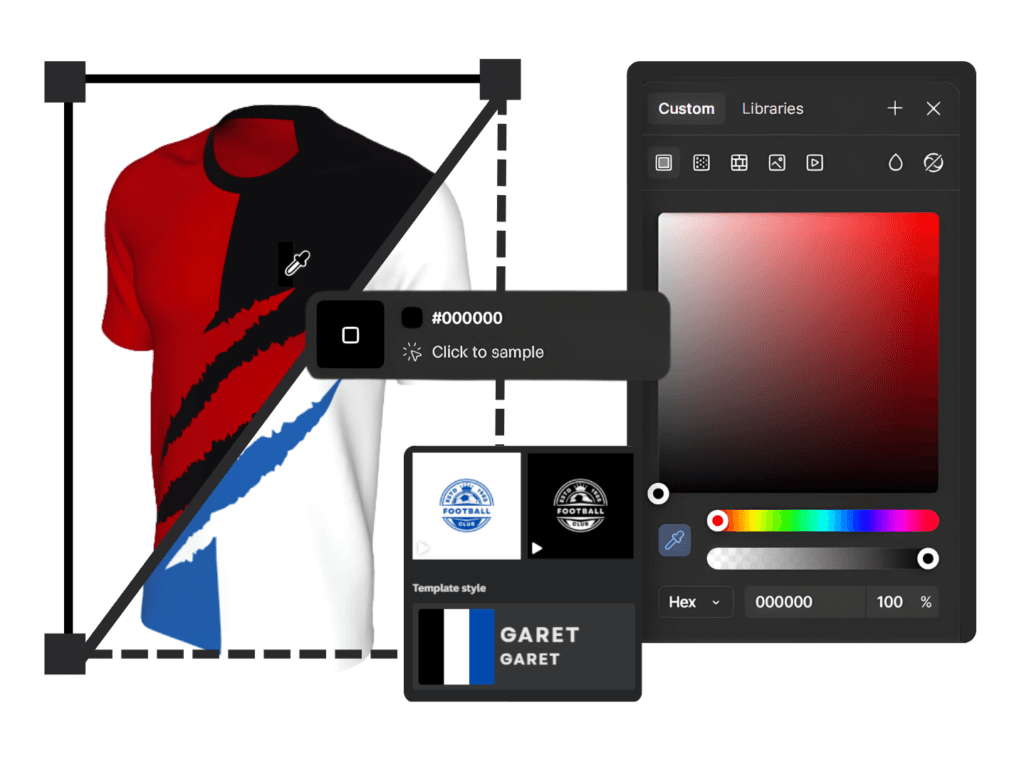
One private store for the whole squad
This free service gives your team a private shop where players choose sizes, enter personalization, and pay directly before the order deadline—no spreadsheet collection required.
Team Shop Order Process
01
Finalize the Design
Approve the products and artwork for your team.
02
Team Shop Setup
We create a private page using your team name, logo, colors, and approved products.
03
Set Order Deadline
Choose the date when your team order window will close.
04
Players Place Orders
Each player enters details and pays individually.
05
Shop Closure & Order Review
We review the combined team order after the deadline.
06
Production
Approved garments move into production together.
07
Delivery
The order ships to the team manager in one consolidated package with preview photos and tracking, and the shop can be reopened for reorders.
Team Shop Order Process: page 1 of 7
Tell us where you need help
Still Having Trouble?
Our team can help with Kit Builder questions or issues, choosing an ordering route, preparing artwork, or working through an existing order.